
Your migration is either an upgrade — or quietly a step backward.
You've decided to move to Kajabi. Now the content actually has to get there.
Maybe you're on Wix, Squarespace, Teachable, Thinkific, or Podia, and moving years of pages, courses, and students yourself feels like a project you don't have time to mess up. Maybe you're worried about broken links, lost SEO rankings, or students losing access mid-move. Or maybe you've started the migration yourself and it's already half-finished and stuck.
Every week your migration stays incomplete, that's a business running on two platforms instead of one — not for you.
This is what it looks like when the move goes right.
Not just content copied over — a migration built to preserve what's working and improve what wasn't, so you land on Kajabi in better shape than you left your old platform.
Content.
Pages, courses, and assets moved over completely — not just the obvious parts, while the details get left behind.
SEO.
Redirects and site structure handled so your search rankings survive the move instead of resetting to zero.
Students.
Access, progress, and enrollments transferred without anyone getting logged out or losing what they paid for.
A small team.
A high standard.
You don't want someone learning Kajabi's import tools on your project. You want someone who's migrated from every major platform enough times to know exactly what gets lost if you're not careful.
I've been in Kajabi since 2017 — first as Kajabi Tech Support, then as a VIP Implementation Specialist, before becoming a vetted Kajabi Expert. I've migrated more websites and courses into Kajabi than I can count, which means I already know where most moves go wrong before we start yours.
Today, I lead a small team that brings the same standard to every project: nothing lost in the move, and a site that looks better than the one you left.
Migration. Content, courses, and student data moved carefully — not dumped in and left for you to sort out.
Kajabi expertise. Redirects, domain transfer, SEO preservation, offer and enrollment mapping — the parts most migrations get wrong.
A migration that loses your rankings or your students isn't a move. It's a setback with extra steps.
You need both. That's what you get.
SEE PRICING
You bring the platform. We handle the move.
Send over access to your current site, your course content, and your student list — even if it's messy. We turn that into a complete, working Kajabi setup. No back-and-forth about technical details you shouldn't have to think about.

Your current site.
Whatever platform you're on now — Wix, Squarespace, Teachable, Thinkific, Podia, or anything else.
The move.
We migrate your pages, courses, and content, then rebuild what needs it — redirects, domain setup, and student access, start to finish.
Launch-ready
Tested. Links checked. Student access confirmed working before your old platform goes offline.
A migration that just copies files over is a start. One that preserves your rankings and your students is what actually protects the business you built. You get both — without managing two different people to get there.
Everything you need to migrate to Kajabi.
From first design file to final QA — every detail handled, so what launches is finished, not just functional.
Content & page migration
Website pages, blog content, and course materials moved from your current platform into Kajabi.
SEO-safe redirect setup
Old URLs mapped to new ones so search rankings and existing traffic aren't lost in the switch.
Student & enrollment transfer
Existing students, their access, and their progress carried over so no one gets locked out mid-course.
Custom domain transfer
Your domain connected and configured correctly in Kajabi, with DNS settings handled with care.
Mobile & page optimization
Every migrated page refined for clarity and speed, on every screen size — not just the desktop preview.
Functionality & QA testing
Links, redirects, forms, and student access tested by hand before your old platform is retired — not assumed to work.
This is what launching it right looks like. Ready?
START YOUR PROJECTCustom Kajabi Migrations
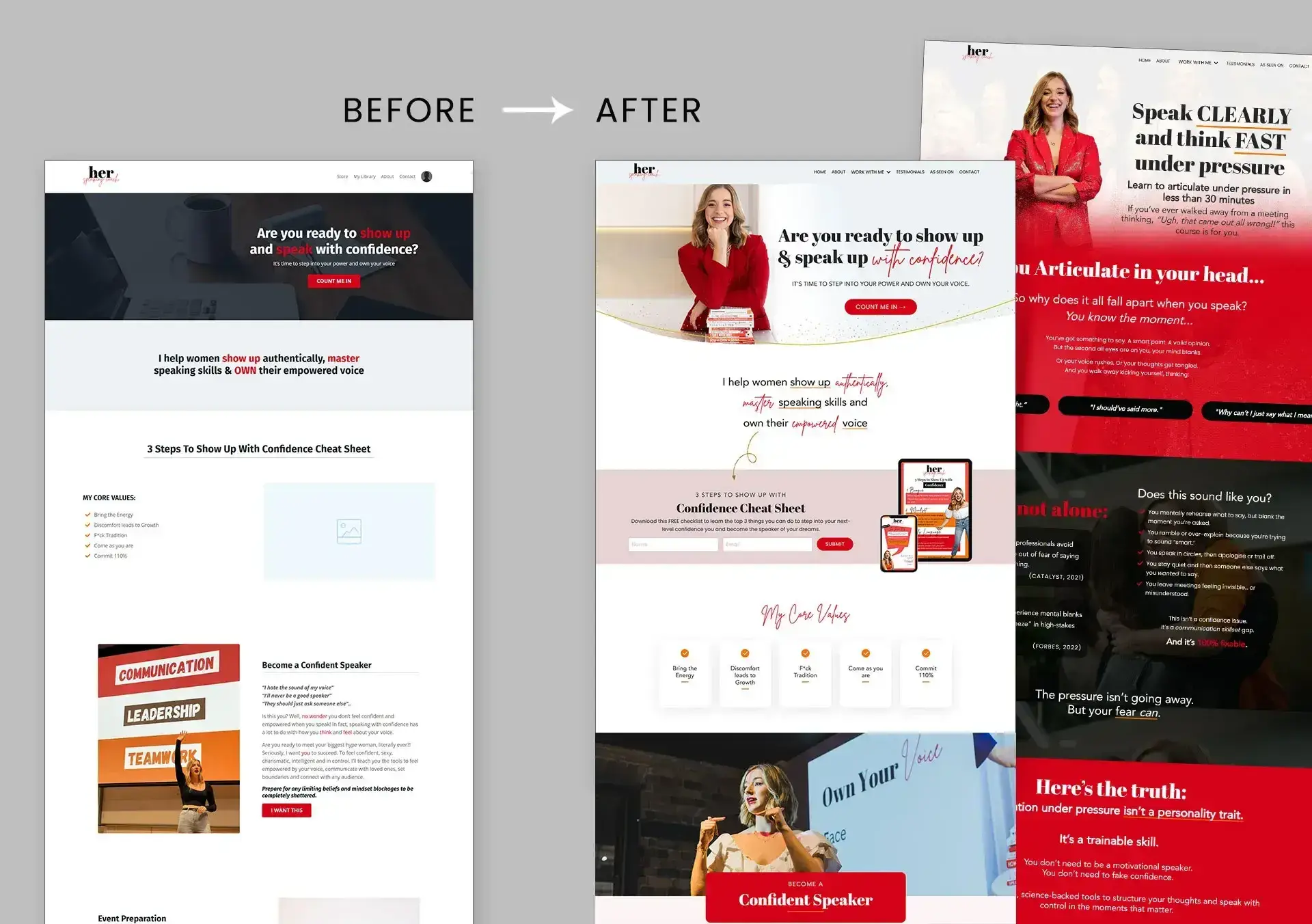
A selection of migrations completed for coaches and creators moving from other platforms into Kajabi — content preserved, design upgraded.
Wix to Kajabi · Squarespace to Kajabi · Teachable to Kajabi · Thinkific to Kajabi · Podia to Kajabi · WordPress to Kajabi
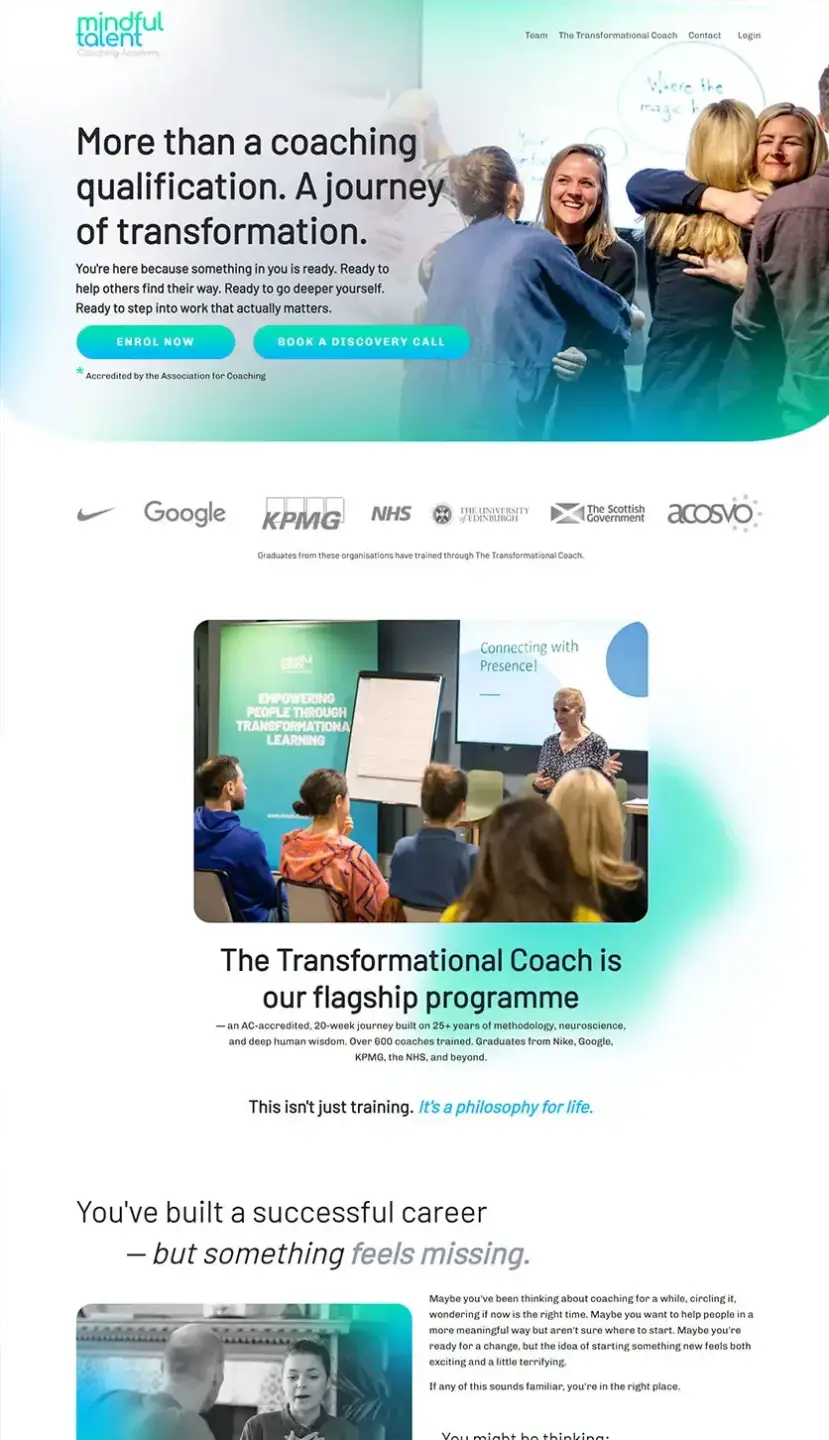


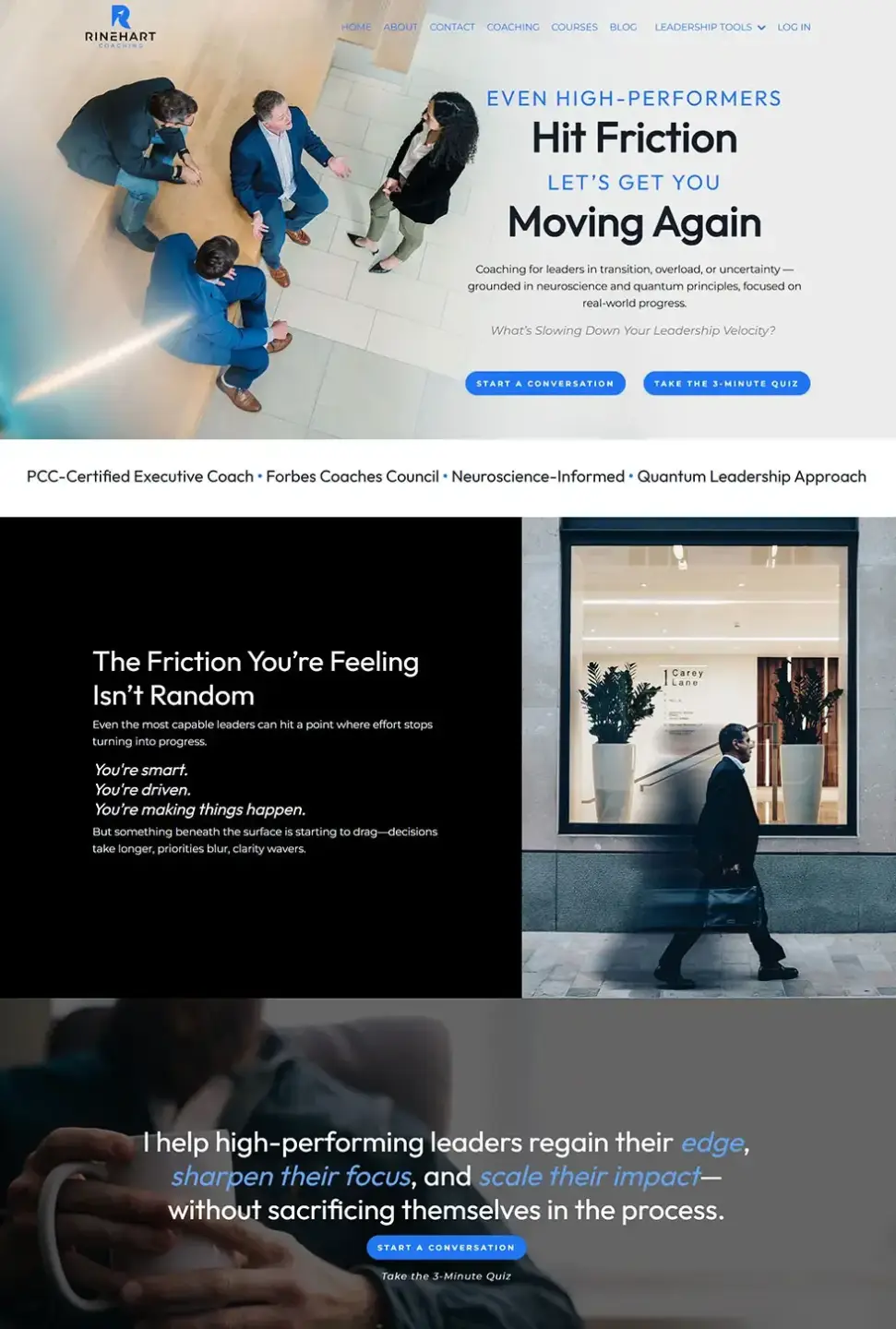



The Work Speaks For Itself.

The way dianne migrated my old Wix website over to Kajabi went beyond my expectations, she didn't just migrate everything, she helped me build a huge upgrade and I ended up with an even better website than the one I had before. She is very easy to communicate with and really understood what i wanted and had many suggestions and tips that I wouldn't have even though of myself.
Roxie Nebel | Yoga for Dance Academy
READ MORE

Satisfied doesn't begin to describe it. Dianne was incredible at communication and design. I had my website on Kajabi, moved to Wordpress and wanted to move it back to Kajabi but wanted to make sure the design was consistent.
Ashley Herd | Author, The Manager Method
READ MORE
This was my first experience with Fiverr. I was using Wix for my website and needed a refresh inside of Kajabi. Dianne went above and beyond. The design is so beautiful - there's NO way I could have created it myself. She is such a kind and highly professional partner, I will forever be grateful for her.
Jenny Mueller | Coaching with Jenny
READ MORE
Your Kajabi Migration, Fully Handled and Ready to Launch
Everything included, nothing left for you to piece together — from content move to a site that's better than the one you left.
Content migration starting at $650 USD
Included:
- Website & course content migration
- SEO-safe redirect mapping
- Student & enrollment transfer
- Custom domain transfer & DNS setup
- Mobile & page optimization
- Functionality & QA testing
- Pre-launch review
Start Your Project

Frequently Asked Questions
Why hire a Kajabi expert for content migration?
What does the migration process look like?
How long does a Kajabi migration take?
What is included in your Kajabi website design service?
Do you provide website copywriting, branding, and SEO?
Can I provide a Figma, Adobe, or other website mockup?
Do you create the website directly in Kajabi?
Do you use custom code in Kajabi websites?
What if I need more than three pages?
Do you also redesign the site during migration, or just move it as-is?
Can you connect my custom domain to Kajabi?
Can I edit my Kajabi website myself after the project?
Stop Running Two Platforms.
Make the Move Right.
Your content is already built. Getting it into Kajabi shouldn't cost you rankings or students.
Start Your Project
FIND US ON
© 2026 Dianne Empeynado. All rights reserved.